Tai-E OCR
A downloadable tool for Windows

Tai-E OCR
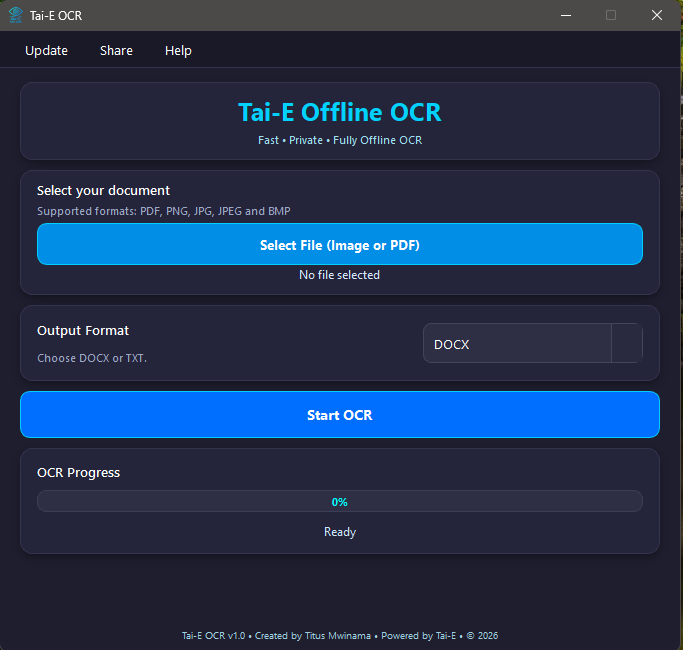
Tai-E OCR is a modern desktop Optical Character Recognition (OCR) application that converts scanned documents, PDFs, and images into accurate, editable text quickly, securely, and entirely offline.
Designed to improve productivity in offices, businesses, organizations, and everyday document workflows, Tai-E OCR provides a fast and intuitive way to digitize printed content while keeping your data private. Since all processing is performed locally on your computer, your documents remain secure and never leave your device.
Key Features
- Convert scanned PDFs and images into editable text.
- Fast and accurate text recognition.
- Fully offline processing with no internet connection required.
- Clean, modern, and easy-to-use interface.
- Supports PDF documents and popular image formats.
- Copy, edit, and export recognized text with ease.
- Lightweight installation with no manual system configuration.
- Optimized for Windows 10 and Windows 11.
- Privacy-focused document processing.
- High-quality OCR designed for everyday office and business use.
Whether you're digitizing paper records, extracting text from scanned documents, processing reports, archiving files, or improving document workflows, Tai-E OCR delivers a reliable, efficient, and user-friendly solution for modern document management.
Developer: Tai-E Software Creator: Titus Mwinama
Download
Install instructions
Download & Installation
- Download TaiE_OCR_Setup_v1.0.rar.
- Extract the contents of the
.rararchive using WinRAR, 7-Zip, or another compatible archive manager. - Open the extracted folder.
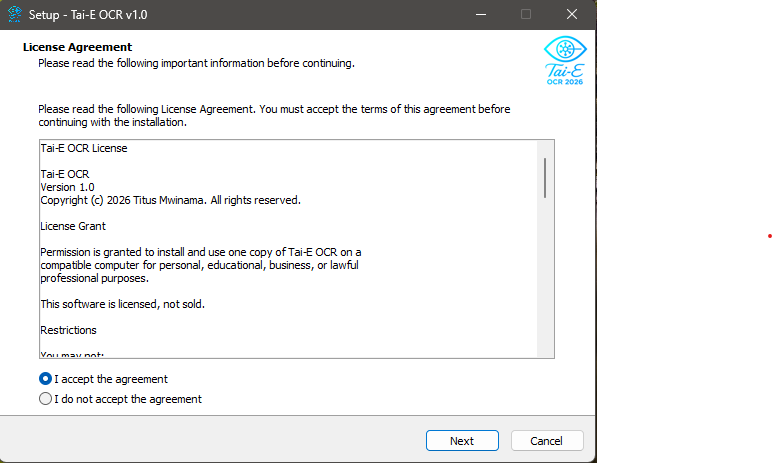
- Double-click TaiE_OCR_Setup_v1.0.exe to start the installation.
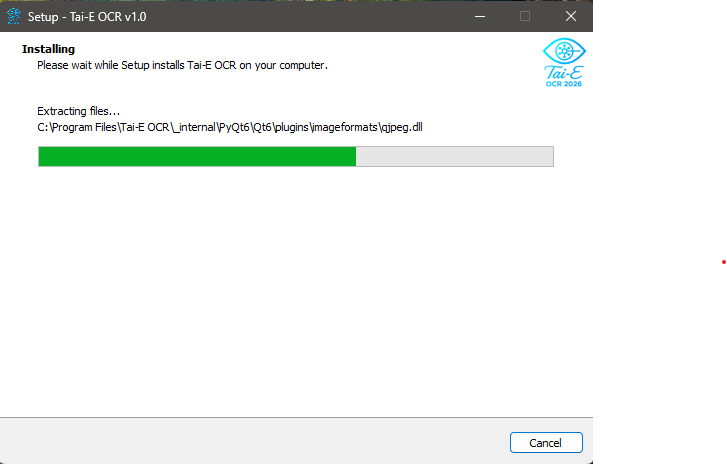
- Follow the on-screen installation wizard.
- After installation, launch Tai-E OCR from the Start Menu or Desktop shortcut.
System Requirements
- Windows 10 or Windows 11 (64-bit)
- 4 GB RAM minimum (8 GB recommended)
- Approximately 35 MB of available disk space
No Additional Software Required
Tai-E OCR is a complete desktop application. Everything required to run the software is included with the installer. No additional libraries, OCR engines, runtime packages, or environment variable configuration are required.
First Launch
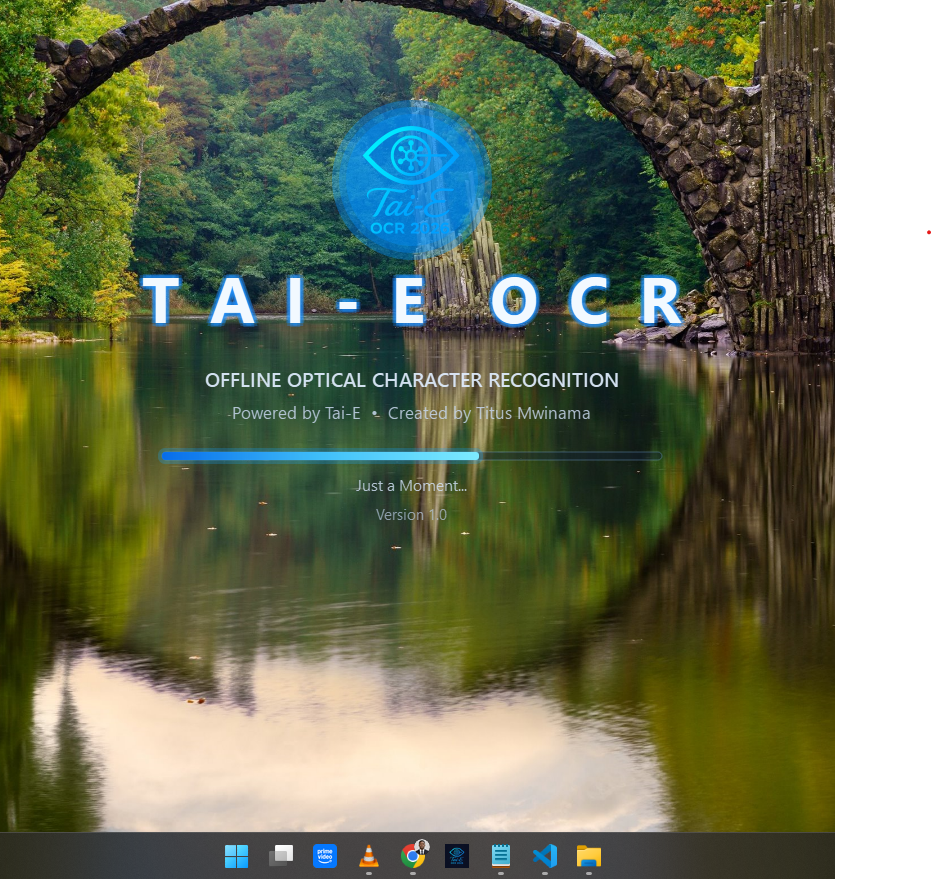
The first launch may take a few extra seconds while the application initializes. Subsequent launches will be faster.
If Windows SmartScreen displays a warning because the application is not digitally signed, select More info and then Run anyway to continue.
Need Help?
If you experience any installation or usage issues, please contact Tai-E Software for assistance.

Leave a comment
Log in with itch.io to leave a comment.